
Visual Regression Testing Without the Infrastructure Headaches
A practical guide to implementing visual regression testing using built-in tools from Playwright and Cypress—no expensive SaaS required
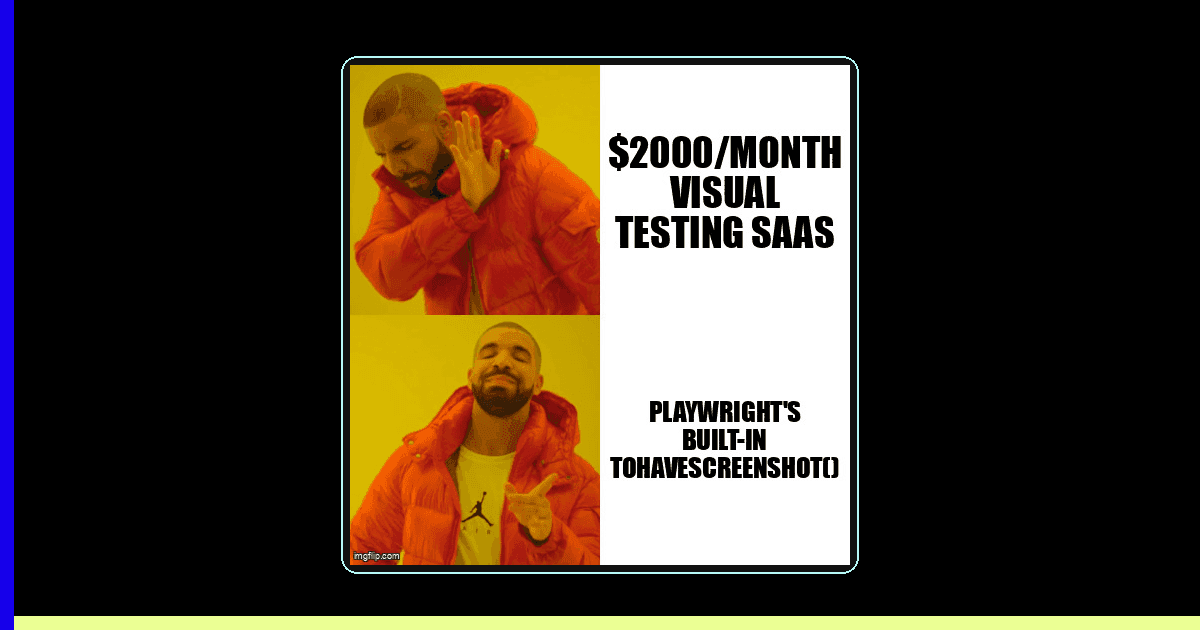
Visual bugs are the silent killers of user trust. A misaligned button, broken layout, or wrong color can slip through functional tests and land in production. Yet when teams consider visual regression testing, they often hit a wall: enterprise tools cost thousands per month, and DIY solutions seem too complex to maintain.
The good news? Modern testing frameworks like Playwright and Cypress now include powerful visual comparison capabilities out of the box. You can implement production-ready visual regression testing without third-party services, complex infrastructure, or breaking your budget.
Why Visual Regression Testing Matters
Functional tests verify that buttons click and forms submit. But they miss the visual layer entirely. Consider these real-world scenarios that traditional tests won't catch:
- A CSS change that breaks responsive layouts on mobile devices
- Font loading failures that make text unreadable
- Z-index conflicts that hide critical UI elements
- Color contrast issues introduced by a design system update
- Icon or image rendering failures due to CDN problems
Visual regression testing captures screenshots of your application and compares them against approved baselines. When pixels change unexpectedly, tests fail—giving you immediate feedback before visual bugs reach users.
Playwright's Built-In Visual Testing
Playwright includes a robust screenshot comparison API that handles pixel-perfect diffing, configurable thresholds, and automatic baseline management. Here's a production-ready example:
import { test, expect } from '@playwright/test';

test('homepage visual regression', async ({ page }) => {
  // Navigate and wait for network idle
  await page.goto('https://example.com', {
    waitUntil: 'networkidle'
  });

  // Hide dynamic elements (timestamps, live metrics)
  await page.addStyleTag({
    content: `
      .timestamp, .live-counter, .ad-banner {
        visibility: hidden !important;
      }
    `
  });

  // Wait for animations to complete
  await page.waitForTimeout(500);

  // Take screenshot and compare
  await expect(page).toHaveScreenshot('homepage.png', {
    maxDiffPixels: 100,        // Allow minor anti-aliasing differences
    threshold: 0.2,             // 20% threshold for pixel color difference
    animations: 'disabled',     // Disable CSS animations
  });
});

// Test component in different states
test('modal component states', async ({ page }) => {
  await page.goto('https://example.com/dashboard');

  // Closed state
  await expect(page).toHaveScreenshot('modal-closed.png');

  // Open state
  await page.click('[data-testid="open-modal"]');
  await page.waitForSelector('[data-testid="modal"]');
  await expect(page).toHaveScreenshot('modal-open.png');

  // Error state
  await page.fill('[data-testid="email-input"]', 'invalid-email');
  await page.click('[data-testid="submit"]');
  await expect(page).toHaveScreenshot('modal-error.png');
});
Handling Dynamic Content
The biggest challenge in visual testing is dealing with content that changes on every run: timestamps, user-generated content, live data, and advertisements. Here are battle-tested strategies:
1. CSS Masking
Hide or replace dynamic elements before capturing screenshots:
// Hide specific elements
await page.addStyleTag({
  content: `
    .dynamic-timestamp,
    .user-avatar,
    .ad-container {
      visibility: hidden !important;
    }
  `
});

// Replace with placeholder content
await page.evaluate(() => {
  document.querySelector('.username').textContent = 'Test User';
  document.querySelector('.balance').textContent = '$1,234.56';
});
2. Element-Level Screenshots
Instead of full-page screenshots, target stable components:
// Screenshot specific elements
const header = page.locator('header');
await expect(header).toHaveScreenshot('navigation.png');

const pricingTable = page.locator('[data-testid="pricing"]');
await expect(pricingTable).toHaveScreenshot('pricing-table.png');
3. Responsive Testing Across Viewports
Test visual consistency across different screen sizes:
const viewports = [
  { name: 'mobile', width: 375, height: 667 },
  { name: 'tablet', width: 768, height: 1024 },
  { name: 'desktop', width: 1920, height: 1080 },
];

for (const viewport of viewports) {
  test(`homepage on ${viewport.name}`, async ({ page }) => {
    await page.setViewportSize({
      width: viewport.width,
      height: viewport.height
    });

    await page.goto('https://example.com');
    await expect(page).toHaveScreenshot(
      `homepage-${viewport.name}.png`
    );
  });
}
Cypress Visual Testing
Cypress doesn't include visual comparison out of the box, but the community plugin cypress-image-snapshot provides similar functionality:
// cypress/support/commands.js
import { addMatchImageSnapshotCommand } from 'cypress-image-snapshot/command';

addMatchImageSnapshotCommand({
  failureThreshold: 0.03,  // 3% threshold
  failureThresholdType: 'percent',
  customDiffConfig: { threshold: 0.1 },
  capture: 'viewport',
});

// cypress/e2e/visual.cy.js
describe('Visual Regression', () => {
  it('captures homepage correctly', () => {
    cy.visit('https://example.com');

    // Hide dynamic content
    cy.get('.timestamp').invoke('css', 'visibility', 'hidden');

    // Wait for images to load
    cy.get('img').should('be.visible');

    // Take snapshot
    cy.matchImageSnapshot('homepage');
  });

  it('captures dark mode theme', () => {
    cy.visit('https://example.com');

    // Toggle dark mode
    cy.get('[data-testid="theme-toggle"]').click();
    cy.wait(300); // Wait for transition

    cy.matchImageSnapshot('homepage-dark-mode');
  });
});
Avoiding False Positives
False positives kill trust in visual tests. Here's how to keep them under control:
- Set appropriate thresholds - Start with 1-5% pixel difference tolerance to account for anti-aliasing and font rendering differences across environments
- Disable animations - Use Playwright's
animations: 'disabled'option or Cypress custom commands to pause CSS transitions - Wait for stability - Use
waitUntil: 'networkidle'and explicit waits for fonts, images, and dynamic content to load - Consistent environments - Run visual tests in Docker containers with pinned OS, browser, and font versions to ensure pixel-perfect consistency
- Mask flaky areas - Use CSS to hide sections known to change frequently (ads, social feeds, real-time data)
Baseline Management and Review Workflow
Managing baseline images is critical. Here's a workflow that scales:
Initial Setup
# Generate initial baselines
npx playwright test --update-snapshots

# Commit baselines to git
git add tests/**/*-snapshots/
git commit -m "Add visual regression baselines"
Review Process
When visual tests fail in CI:
- Playwright generates diff images showing expected vs actual vs difference
- Download artifacts from your CI system (GitHub Actions, GitLab CI, etc.)
- Review diffs locally using Playwright's HTML reporter:
npx playwright show-report - If changes are intentional, update baselines:
npx playwright test --update-snapshots - Commit updated baselines with clear explanation of visual changes
GitHub Actions Integration
name: Visual Regression Tests

on: [pull_request]

jobs:
  test:
    runs-on: ubuntu-latest
    container:
      image: mcr.microsoft.com/playwright:v1.40.0-focal

    steps:
      - uses: actions/checkout@v3

      - name: Install dependencies
        run: npm ci

      - name: Run visual tests
        run: npx playwright test

      - name: Upload diff images
        if: failure()
        uses: actions/upload-artifact@v3
        with:
          name: visual-diffs
          path: test-results/
          retention-days: 7
When to Use SaaS vs. DIY
Built-in tools work great for most teams, but enterprise SaaS platforms (Percy, Applitools, Chromatic) offer benefits in specific scenarios:
Use Built-In Tools When:
- Your team is small to medium-sized (under 20 engineers)
- You have relatively stable UI with infrequent visual changes
- You can standardize on Docker for consistent test environments
- Budget constraints make $500-2000/month SaaS costs prohibitive
- Your CI/CD infrastructure can handle storing baseline images
Consider SaaS When:
- You need cross-browser visual testing (Chrome, Firefox, Safari, Edge)
- Your team is large and needs advanced review workflows with commenting and approval processes
- You want AI-powered intelligent diffing that ignores irrelevant changes
- You need visual testing for native mobile apps (iOS, Android)
- Your application has extremely high visual complexity with frequent UI iterations
Real-World Example: E-commerce Checkout
Here's a complete example testing a critical user flow with multiple states:
import { test, expect } from '@playwright/test';

test.describe('Checkout Flow Visual Tests', () => {
  test.beforeEach(async ({ page }) => {
    // Login and add items to cart
    await page.goto('https://shop.example.com/login');
    await page.fill('[name="email"]', 'test@example.com');
    await page.fill('[name="password"]', 'testpass123');
    await page.click('[type="submit"]');

    // Add test products
    await page.goto('https://shop.example.com/products/1');
    await page.click('[data-testid="add-to-cart"]');
  });

  test('cart page layout', async ({ page }) => {
    await page.goto('https://shop.example.com/cart');

    // Hide dynamic content
    await page.addStyleTag({
      content: '.cart-timestamp, .promo-banner { visibility: hidden; }'
    });

    await expect(page).toHaveScreenshot('cart-page.png', {
      maxDiffPixels: 50,
      fullPage: true
    });
  });

  test('shipping form validation states', async ({ page }) => {
    await page.goto('https://shop.example.com/checkout');

    // Empty state
    await expect(page.locator('[data-testid="shipping-form"]'))
      .toHaveScreenshot('shipping-empty.png');

    // Filled state
    await page.fill('[name="address"]', '123 Test St');
    await page.fill('[name="city"]', 'Barcelona');
    await page.fill('[name="zip"]', '08001');
    await expect(page.locator('[data-testid="shipping-form"]'))
      .toHaveScreenshot('shipping-filled.png');

    // Error state
    await page.fill('[name="zip"]', '');
    await page.click('[data-testid="continue"]');
    await page.waitForSelector('.error-message');
    await expect(page.locator('[data-testid="shipping-form"]'))
      .toHaveScreenshot('shipping-error.png');
  });

  test('payment methods display', async ({ page }) => {
    await page.goto('https://shop.example.com/checkout/payment');

    // Test each payment method tab
    const methods = ['credit-card', 'paypal', 'bank-transfer'];

    for (const method of methods) {
      await page.click(`[data-testid="payment-${method}"]`);
      await page.waitForTimeout(200); // Animation
      await expect(page.locator('[data-testid="payment-form"]'))
        .toHaveScreenshot(`payment-${method}.png`);
    }
  });
});
Key Takeaways
- Built-in tools are production-ready - Playwright's visual testing capabilities are robust enough for most teams without needing expensive third-party services
- Handle dynamic content proactively - Use CSS masking, element-level screenshots, and stable test data to avoid false positives
- Set realistic thresholds - Allow 1-5% pixel differences to account for rendering variations while catching real visual bugs
- Integrate with CI/CD early - Run visual tests in Docker containers with pinned dependencies for consistent results across environments
- Establish clear review workflows - Use Playwright's HTML reporter and artifact uploads to make visual diff reviews fast and collaborative
Visual regression testing doesn't require enterprise budgets or complex infrastructure. With modern testing frameworks, you can catch visual bugs before they reach production—using tools you already have in your stack.
Start small by adding visual tests to your most critical user flows. As you build confidence, expand coverage to component libraries, responsive layouts, and theme variations. Your users will thank you for the pixel-perfect experiences.
Need help implementing visual regression testing?
Desplega helps QA teams in Barcelona, Madrid, Valencia, and across Spain set up production-ready visual testing pipelines. We specialize in Playwright integration, CI/CD automation, and baseline management strategies that catch visual bugs before your users do.
Get StartedRelated Posts
When I Reject v0 Code: Pattern-Matching Rules for Safer UI Generation
A practical v0 review gate for safer generated React UI: AST checks, Playwright smoke tests, accessibility rules, and rejection signals.
Cody's Repository Indexing: Does Cognitive Offloading Create Knowledge Gaps in Large Codebases? | Desplega AI
A practical deep dive into Cody repository indexing, context retrieval, and how indie hackers avoid AI-created knowledge gaps.
Hot Module Replacement: Why Your Dev Server Restarts Are Killing Your Flow State | desplega.ai
Stop losing 2-3 hours daily to dev server restarts. Master HMR configuration in Vite and Next.js to maintain flow state, preserve component state, and boost coding velocity by 80%.