
Shipping Faster in 2026: The Solopreneur's Dev Velocity Playbook
You're a one-person dev team. You write the code, deploy it, monitor it, fix it, and somehow still need to ship new features. Sound familiar? Let's talk about how to move faster in 2026 without losing your mind—or your quality bar.
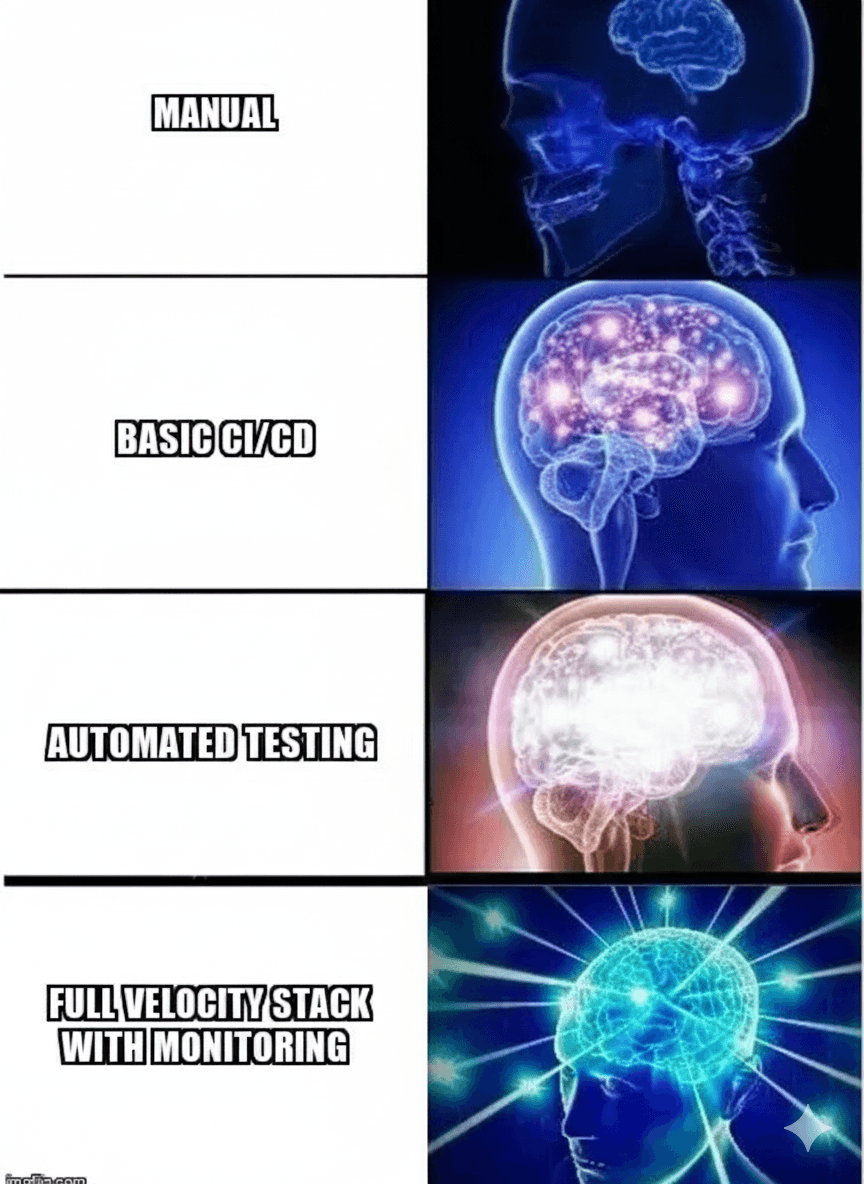
The Solopreneur Velocity Paradox
Here's the thing: as a solo dev, you have zero tolerance for broken deployments. When you push bad code at 11 PM, guess who's debugging it at 2 AM? You are. There's no on-call rotation, no backup engineer, no "let me hand this off to the team."
But you also can't spend three days manually testing every feature. The market moves fast. Your users want features yesterday. Your competitor just shipped the thing you've been planning for weeks.
So how do you ship fast and ship right? That's what we're solving today.
What CI/CD actually works for one person?
A practical solo dev CI/CD pipeline has four core checks: linting, unit tests for critical paths, build verification, and one E2E smoke test that runs in under 5 minutes.
Forget the enterprise CI/CD guides. You don't need 47 stages and matrix builds across 12 OS versions. You need something that runs in under 5 minutes and catches real problems.
The Minimum Viable Pipeline
Here's what actually matters for a solo dev:
- Linting & type checking – Catch dumb mistakes before they hit prod
- Unit tests for critical paths – Not 100% coverage. Just the stuff that breaks your app if it fails
- Build verification – Does it actually compile?
- One E2E smoke test – Can a user sign up and do the core action?
That's it. Four things. On GitHub Actions, this runs in 3-4 minutes. On Vercel or Netlify, even faster because they're optimized for modern frameworks.
The One-Click Deploy
If you're SSH-ing into a server and running commands manually in 2026, we need to talk. Your deploy should be:
- Push to
main - CI passes
- App is live
Platforms like Vercel, Netlify, Railway, Render, and Fly.io make this trivial for most stacks. Even if you're running your own infra, tools like Coolify or CapRover give you Heroku-style deploys on your own VPS.
Time saved per deploy: 10-15 minutes. If you deploy 3x a week, that's 2+ hours saved monthly. Use that time to build features instead.
What automation tools pay for themselves?
Database migrations, dependency updates, code formatting, and test data generation are the highest-ROI automations that eliminate repetitive manual work from solo dev workflows.
The solopreneur trap: "I'll just do it manually, it's faster than setting up automation." Wrong. You'll do it manually 47 times until you finally automate it out of pure rage.
The 3-Strike Rule
If you do something manually three times, automate it. No exceptions. According to the 2025 State of DevOps Report, developers who automate repetitive tasks ship 2.5x more features per quarter than those who don't. Here are the highest-ROI automations for solo devs:
Database Migrations
Use Prisma, Drizzle, or your ORM's migration tool. Never manually edit production databases. Your future self will thank you when you need to rollback.
Dependency Updates
Set up Dependabot or Renovate. Yes, you'll get a lot of PRs. No, you don't need to merge them all immediately. But when a security patch drops, you want it automated, not on your to-do list.
Code Formatting
Install Prettier and ESLint. Set them to auto-fix on save. Never think about tabs vs spaces again. Prettier is the most underrated productivity tool for solo devs.
Test Data Generation
Seed scripts with Faker or @snaplet/seed. Stop manually creating test users in your local DB. One command should give you a realistic dataset.
What quality gates can't be skipped?
E2E tests for critical user flows, feature flags for safe deployments, and error monitoring with automatic alerts are non-negotiable quality gates that protect production while maintaining velocity.
Speed without quality is just thrash. Here are the non-negotiables, even when you're moving fast:
E2E Tests for Critical Flows
You don't need to test every button. But you do need to test the flows that make you money:
- User signup/login
- Checkout/payment processing
- Core product feature (the thing users came for)
Use Playwright or Cypress. Write 3-5 critical tests. Run them before every deploy. When they break, fix them immediately—they're trying to tell you something.
Feature Flags (Yes, Even Solo)
"Feature flags are for big teams" is a myth. They're for anyone who wants to deploy incomplete features without breaking prod.
Use something simple like Unleash (self-hosted), PostHog (includes flags + analytics), or even a config file + environment variable. Ship code to production, enable it when you're ready. Decouple deployment from release.
Monitoring That Actually Alerts You
Your users shouldn't be your QA team. According to GitHub's 2025 State of the Octoverse, projects with automated error monitoring detect production issues 12 minutes faster on average than those relying on user reports. Set up basic error tracking:
- Sentry – Free tier catches most errors
- LogSnag or BetterStack – Uptime monitoring
- Vercel Analytics or Plausible – See if features are being used
Configure Slack or Discord webhooks so errors ping you. Don't check dashboards manually. Make the system tell you when something's wrong.
4. Real-World Velocity Strategies from Indie Makers
Let's get tactical. Here's what successful solopreneurs are actually doing:
The "Good Enough" Deploy Schedule
Ship small, ship often. Instead of one big Friday deploy (nightmare fuel), deploy Tuesday and Thursday afternoons. Small changes = easier to debug if something breaks. The 2025 Stack Overflow Developer Survey found that 68% of solo developers who deploy 2-3 times weekly report higher feature velocity than those doing weekly releases.
The 2-Hour Feature Budget
If a feature takes more than 2 hours, break it down. Build the smallest valuable piece, ship it, get feedback, iterate. Perfect is the enemy of shipped.
The "Staging Is Production" Mindset
Your staging environment should be as close to production as possible. Same database schema, same env vars, same deploy process. If staging works, production works.
The Command Palette Trick
Keep a Makefile, package.json scripts, or justfile with your common commands:
make dev          # Start local dev
make test         # Run tests
make deploy-prod  # Deploy to production
make db-reset     # Reset local DB with seed data
Your memory is for building features, not remembering 17-character Docker commands.
The 2026 Solopreneur Stack
If you're starting fresh or modernizing your workflow, here's a high-velocity stack that just works:
- Framework: Next.js, Remix, or SvelteKit (whatever you vibe with)
- Database: Postgres via Supabase, Neon, or Railway
- ORM: Prisma or Drizzle
- Hosting: Vercel, Netlify, or Fly.io
- CI/CD: GitHub Actions (built-in) or platform-native
- Testing: Vitest + Playwright
- Monitoring: Sentry + BetterStack
- Feature Flags: PostHog or Unleash
This stack gets you from idea to production in hours, not weeks.
The Developer Velocity Checklist
Before you ship your next feature, run through this:
- ✅ CI pipeline runs in under 5 minutes
- ✅ One-command deploy to production
- ✅ Critical flows have E2E test coverage
- ✅ Error monitoring is configured and alerting
- ✅ Database migrations are automated
- ✅ Repetitive tasks have scripts or tools
- ✅ Feature flags enabled for big changes
- ✅ Staging environment mirrors production
The more boxes you check, the faster you can ship without chaos.
Ship It
Here's the truth: velocity isn't about working harder or cutting corners. It's about removing friction. Every manual step is friction. Every "I'll test this later" is friction. Every "let me SSH in and check" is friction.
Automate the boring stuff. Test the critical stuff. Ship the valuable stuff. Repeat.
2026 is your year to build faster, ship smarter, and still sleep at night. Let's make it happen.
Want to level up your solo dev workflow? Desplega.ai helps you automate QA and ship with confidence—even if you're a team of one. Stop debugging at 2 AM. Start shipping faster.
Frequently Asked Questions
What is the minimum viable CI/CD pipeline for solo developers?
A solo dev CI/CD pipeline needs four essentials: linting and type checking, unit tests for critical paths, build verification, and one E2E smoke test. This runs in 3-4 minutes on GitHub Actions.
How can solo developers automate deployments in 2026?
Use platforms like Vercel, Netlify, Railway, or Fly.io for one-click deploys. Push to main, let CI pass, and your app goes live automatically—saving 10-15 minutes per deploy.
Why should solo developers use feature flags?
Feature flags let you deploy incomplete code to production without breaking your app. They decouple deployment from release, allowing you to ship code and enable features when ready.
What monitoring tools should solopreneurs use?
Use Sentry for error tracking (free tier), BetterStack or LogSnag for uptime monitoring, and Vercel Analytics or Plausible for usage tracking. Configure Slack/Discord webhooks for automatic alerts.
Related Posts
Hot Module Replacement: Why Your Dev Server Restarts Are Killing Your Flow State | desplega.ai
Stop losing 2-3 hours daily to dev server restarts. Master HMR configuration in Vite and Next.js to maintain flow state, preserve component state, and boost coding velocity by 80%.
The Flaky Test Tax: Why Your Engineering Team is Secretly Burning Cash | desplega.ai
Discover how flaky tests create a hidden operational tax that costs CTOs millions in wasted compute, developer time, and delayed releases. Calculate your flakiness cost today.
The QA Death Spiral: When Your Test Suite Becomes Your Product | desplega.ai
An executive guide to recognizing when quality initiatives consume engineering capacity. Learn to identify test suite bloat, balance coverage vs velocity, and implement pragmatic quality gates.